Getting set up
A calm space and a webcam. That's the start.
Al-Birr runs in the browser, so the setup is simple: what your child needs for live lessons, and the upgrades worth having.
Al-Birr runs in the browser, so the setup is simple: what your child needs for live lessons, and the upgrades worth having.
Almost any computer from the last few years will do. Because we run on Google, there is nothing to install and nothing to buy specially.
A laptop or desktop, running Windows, macOS or a Chromebook.A phone or tablet isn't enough for live lessons.
The browser we build and test for, so lessons just work.Free to download.
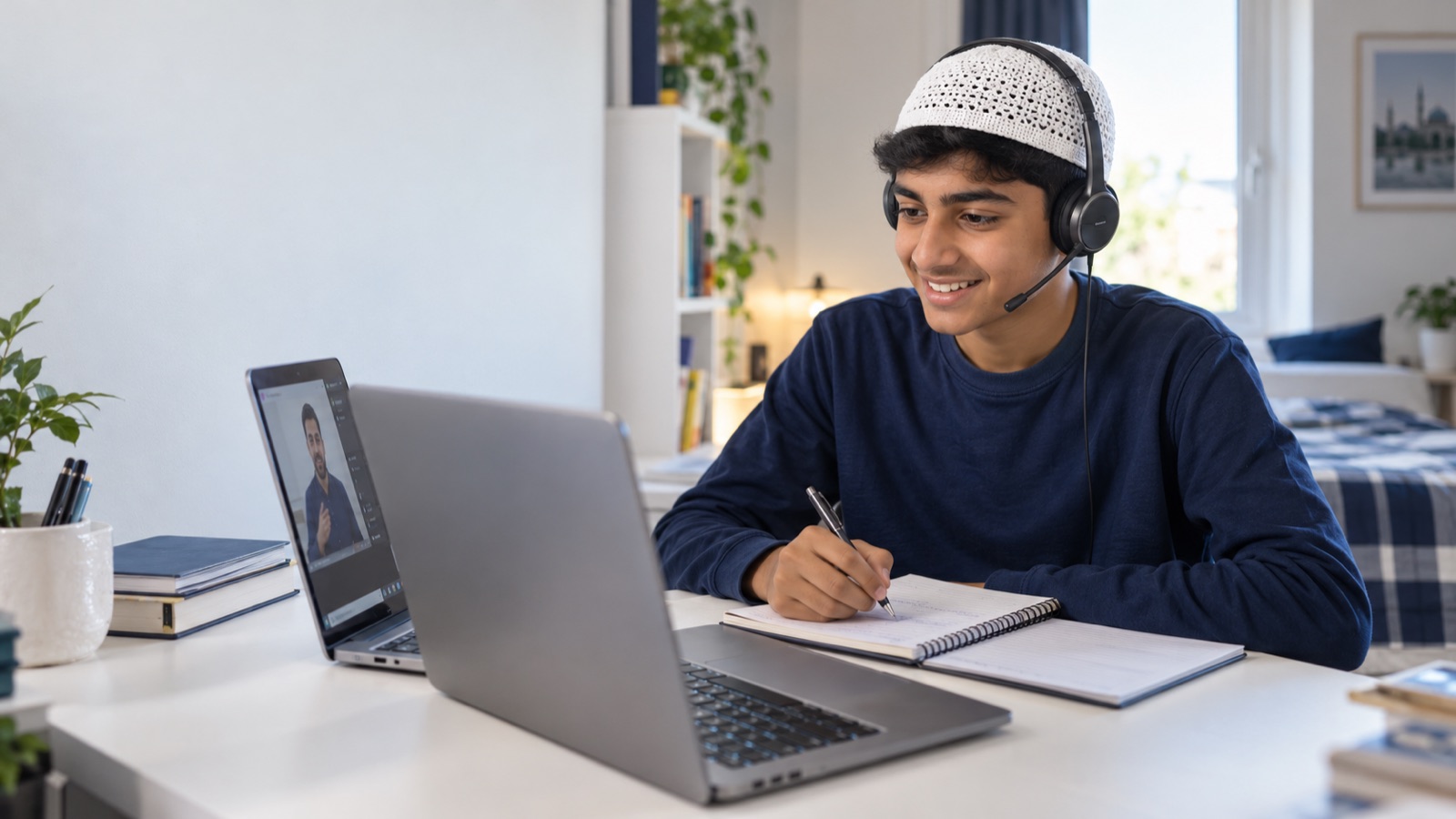
So tutors can see your child, know them, and teach face to face. Most laptops have one built in.
Headphones with a microphone keep your child heard and focused. A simple one does both jobs.
Broadband that comfortably handles video calls. A wired connection is smoothest; strong Wi-Fi is fine.
None of these are required. They just make the learning day a little smoother.
A stylus tablet that plugs into the computer lets your child write maths and diagrams as naturally as on paper. Our favourite upgrade.
The lesson on one screen, notes and work on the other. Any spare monitor helps.
A quiet, comfortable place to learn, away from the day's distractions.
Handy for the odd worksheet. A phone camera scans finished work just as well.
Not sure your setup is ready? Mention it when you get in touch and we'll talk it through.